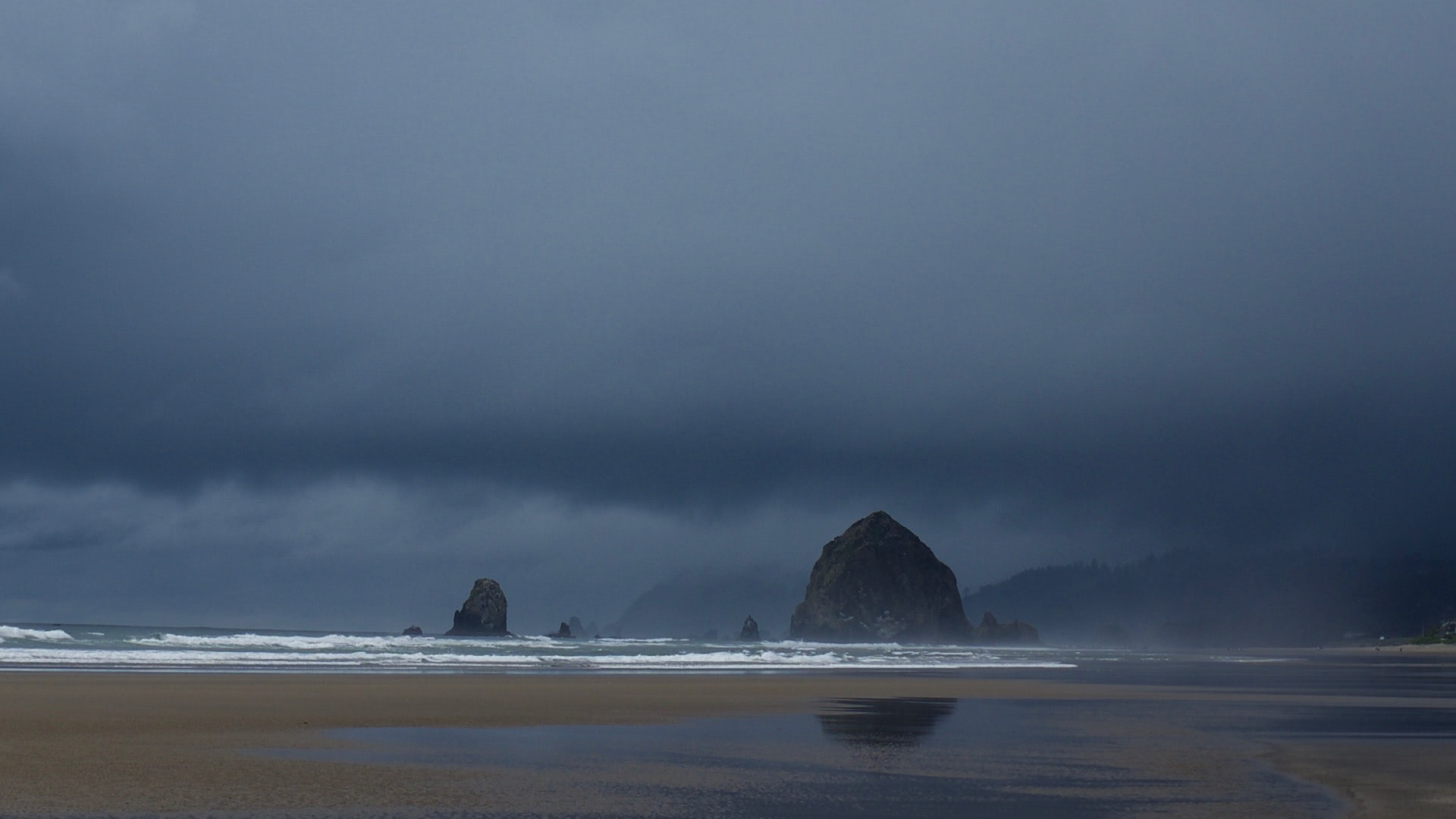
Cannon Beach, Oregon
Includes Friends, Lovers, and the Big Terrible Thing, Extremely Online, Number Go Up, Mercury Rising, The End of the Myth, and The Big Break.
Nic has travel experiences and wishes he thought he was immortal like other people apparently do.
I have a ten hour layover at Chicago O’Hare and it’s terrible.
Includes Hello World, A Frozen Hell, Powers and Thrones, Dead Country, Blitz, The Hope that Kills, and Worth Killing For.
Let’s talk about how fun it is to have a go-cart people mover.
We pour one out for The Expanse and Sandman Slim, and we raise our glasses for a sequel to Malazan. Also, an extra-bleak Holocaust tour and a discussion of how cults control their members through language. Includes Cultish, Nein, Nein, Nein, Driven, Happy-go-Lucky, The Nineties, Fargo Rock City, The Scholast in the Low Water Kingdom, King Bullet, The God is Not Willing, and Leviathan Falls.
Why your body hurts, lots of politics, and some truly demented grimdark fantasy in this installment. Includes Reign of Terror, Evolution Gone Wrong, The Cruelty is the Point, How to be a Liberal, The Splendid and the Vile, Deep Work, A Desolation Called Peace, Black Stone Heart, and She Dreams in Blood.
You never know how a creative expression will affect you.
Includes Everybody Has a Podcast (Except You), Pappyland, Backstory, and Medallion Status.
Hummingbirds fighting for dominance in a Phoenix backyard.
Alex Trebek was one of the people who welcomed Nic to America, many years ago.
Some very good history, some very strange novels and some slick space opera. Includes Enemy of all Mankind, A Very Punchable Face, Confederates in the Attic,Ballistic Kiss, Harrow the Ninth, The Library at Mount Char, Children of Time, The Last Emperox, and Cage of Souls.
We are entertained by feline drama during quarantine.